MIPI CAMERA

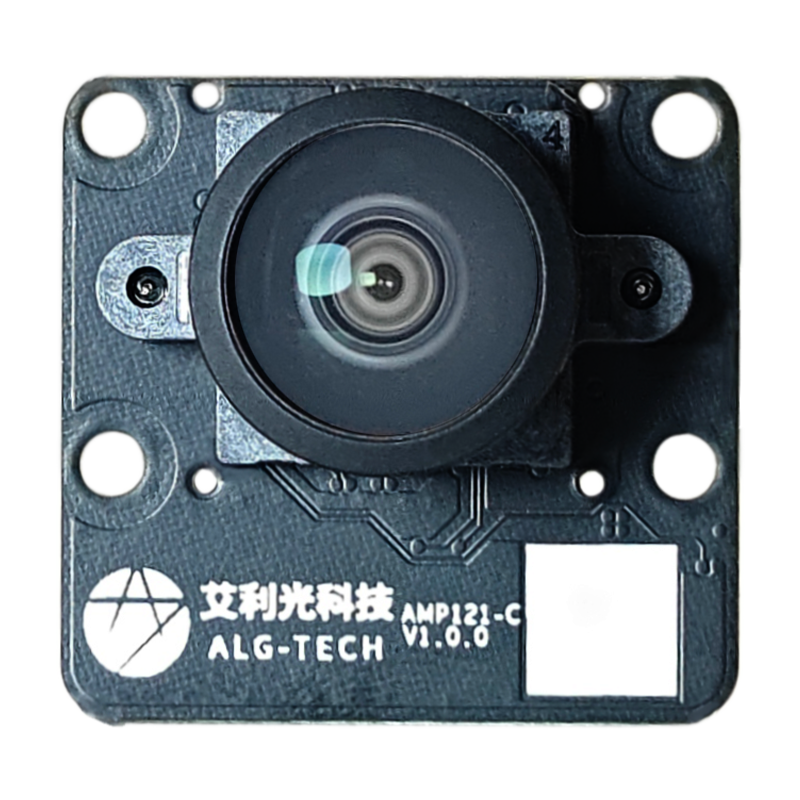
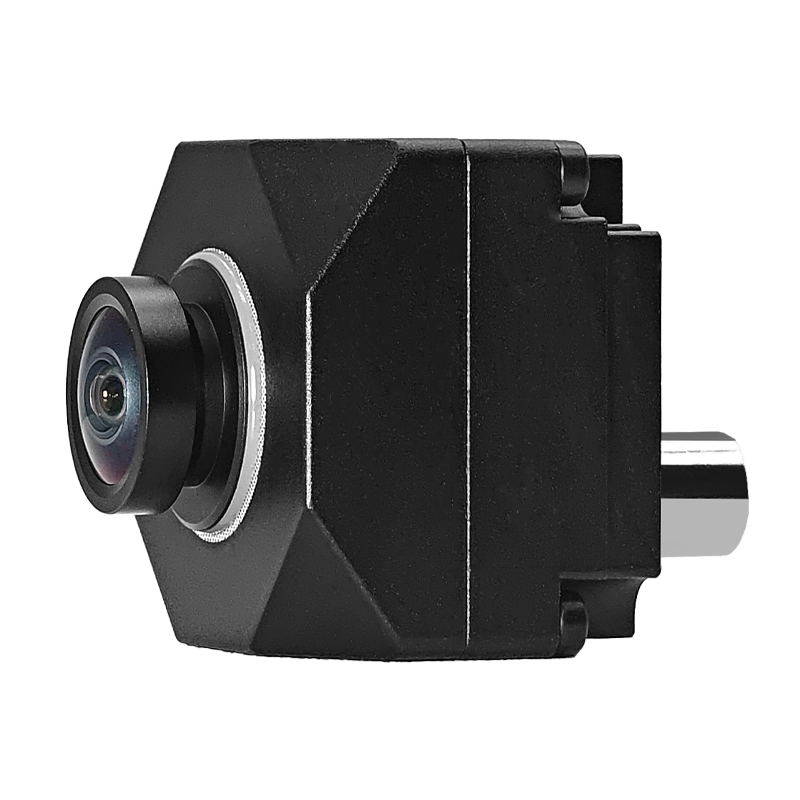
AMP121-C 1M MIPI Camera

Standard camera hardware with documented interfaces and a clear path from evaluation to product integration.

Hardware scope: camera or adapter hardware, documented interface, available drivers and calibration data. Application algorithms are not included.

AMP121-C 1M MIPI Camera
PRODUCT HIGHLIGHTS

What this product is designed to deliver.

01

ESP32-P4 & Raspberry Pi 5

A supported MIPI-camera path across two accessible embedded-development ecosystems.

02

Official sensor support

The SC121AT sensor is included in Espressif’s esp_cam_sensor support list.

03

Direct YCbCr output

A 1MP camera path for applications that need camera-ready image output.

COMPATIBILITY & DELIVERY

Know what connects—and what ALG-Tech supplies.

Available from ALG-Tech

  • Camera or adapter hardware
  • Available driver package
  • Interface documentation

Customer system

  • Compute platform and carrier
  • AI, depth or vision algorithms
  • Application software
  • Final system validation
Supported platformsEspressif ESP32-P4; Raspberry Pi 5
Camera interfaceMIPI CSI-2
Image sensorSC121AT
Maximum resolution1304 × 984
Output formatYCbCr422
ESP32 software supportEspressif esp_cam_sensor
KEY SPECIFICATIONS

Technical overview

Resolution
1280 (H)x 960 (V)
Frame Rate
30fps
Lens
HFOV 129.6°/195°
Image Format
YUV422-8bit
Optical size
1/3.75 inch CMOS
Pixel size
3.0um
Output Interface
MIPI CSI-2
Dynamic Range
120dB
Shutter Mode
Rolling Shutter
DESIGNED FOR

Where this product fits

  • Embedded vision evaluation
  • Industrial imaging projects
  • Standard camera integration
Integration boundary

ALG-Tech supports the visual hardware layer. Your compute platform and application stack perform depth, perception, AI inference and machine control.

EVALUATION TO PRODUCTION

Validate the image path before committing the product architecture.

01

Select

Confirm image requirements, optics, synchronization and operating environment.

02

Evaluate

Use the camera with a supported platform kit or your selected target platform.

03

Integrate

Carry the same camera hardware, driver and calibration path into the product.

Product documentation ↗Product-specific setup, driver, downloads and integration information. Platform compatibilityAvailable evaluation combinations, interfaces and support boundaries. Technical inquiryCheck product fit, availability and sample options.
DOCUMENTATION

Move from product review to camera bring-up.

The documentation center is maintained separately so setup guides and downloads can evolve without duplicating the product website.

RELATED HARDWARE

Continue the evaluation path.

NEXT STEP

Share your platform and image requirements.

Include the camera count, resolution, frame rate, field of view, synchronization and project stage.
Discuss this product